
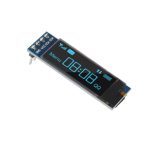
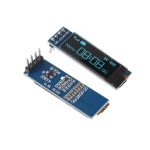
OLED LCD 0.91 INCH 128X32 I2C
Short Description
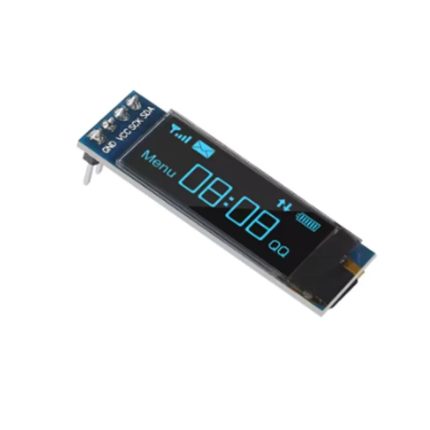
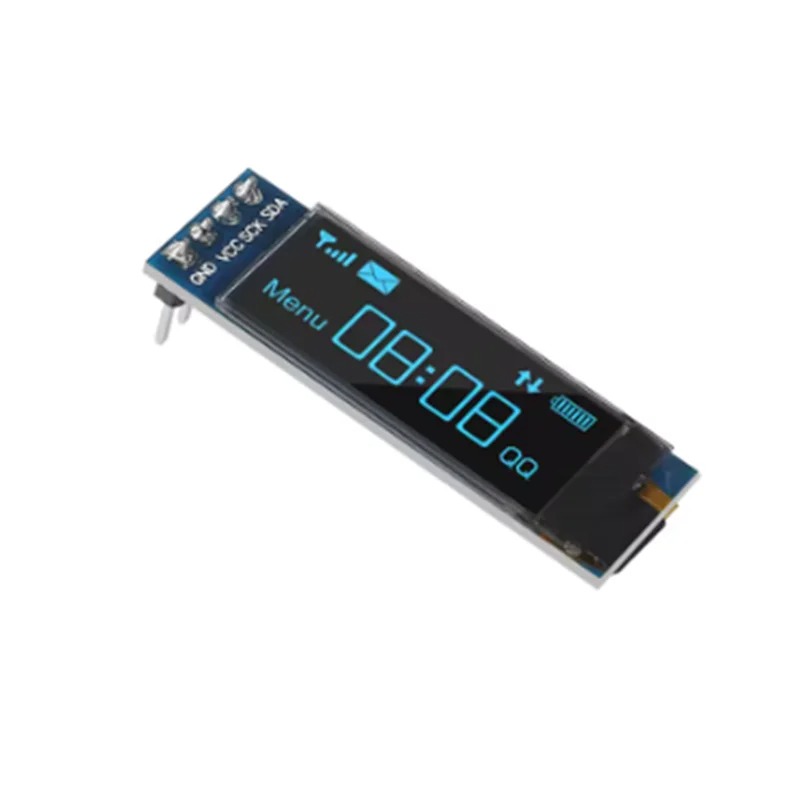
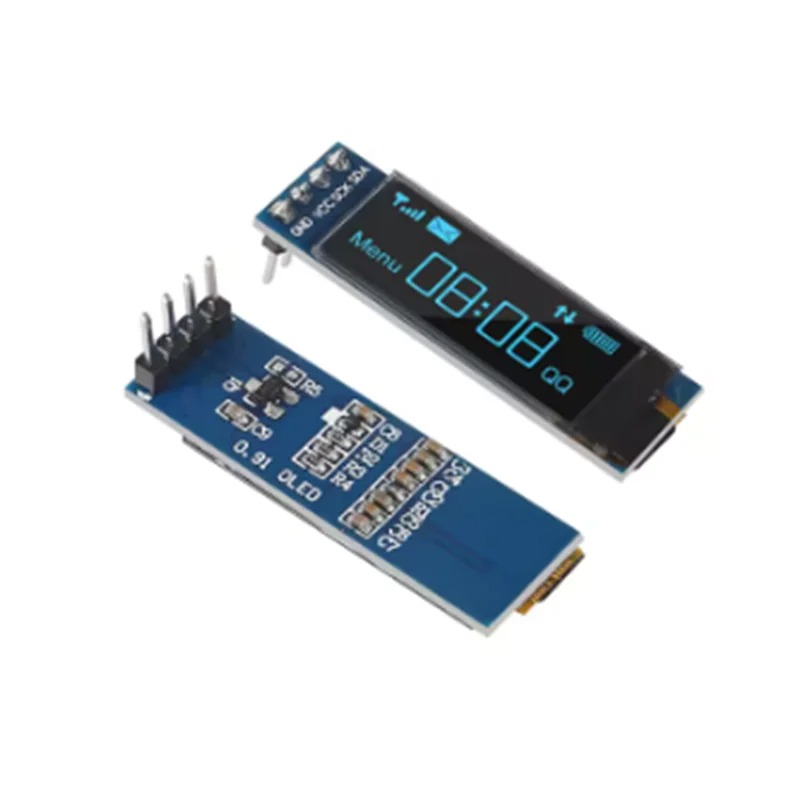
The 0.91-inch OLED (128×32) is a compact, high-contrast monochrome display module widely used in DIY electronics projects. It communicates via the I2C interface, requiring only two data wires, making it perfect for microcontrollers like Arduino, ESP32, or Raspberry Pi.
150,00 EGP
Description
The 0.91-inch OLED (128×32) is a compact, high-contrast monochrome display module widely used in DIY electronics projects. It communicates via the I2C interface, requiring only two data wires, making it perfect for microcontrollers like Arduino, ESP32, or Raspberry Pi.
Key Specifications
-
Resolution: 128 x 32 pixels.
-
Controller IC: Typically SSD1306.
-
Interface: I2C (Serial Clock
SCL, Serial DataSDA). -
Operating Voltage: 3.3V – 5V.
-
Display Color: White or Blue (depending on the model).
-
I2C Default Address: Usually
0x3C.
Wiring to Arduino (Uno/Nano)
Since it uses I2C, wiring is straightforward:
| OLED Pin | Arduino Uno/Nano Pin |
| VCC | 5V (or 3.3V) |
| GND | GND |
| SCL | A5 |
| SDA | A4 |
Getting Started with Code
To program this display, the most common approach is using the Adafruit SSD1306 and Adafruit GFX libraries within the Arduino IDE.
-
Install Libraries:
-
In Arduino IDE, go to Sketch -> Include Library -> Manage Libraries…
-
Search for and install “Adafruit SSD1306”.
-
Search for and install “Adafruit GFX Library”.
-
-
Basic “Hello World” Example:
#include <Wire.h>
#include <Adafruit_GFX.h>
#include <Adafruit_SSD1306.h>

#define SCREEN_WIDTH 128
#define SCREEN_HEIGHT 32

// Declaration for an SSD1306 display connected to I2C (SDA, SCL pins)
Adafruit_SSD1306 display(SCREEN_WIDTH, SCREEN_HEIGHT, &Wire, -1);

void setup() {
  // Initialize with the I2C address 0x3C
  if(!display.begin(SSD1306_SWITCHCAPVCC, 0x3C)) {
    for(;;); // Loop forever if initialization fails
  }

  display.clearDisplay();
  display.setTextSize(1);
  display.setTextColor(WHITE);
  display.setCursor(0, 10);
  display.println("Hello, Ekostra!");
  display.display();
}

void loop() {
  // Nothing needed here for static text
}
Pro-Tips for Your Projects
-
Addressing: If the code fails to initialize, double-check your I2C address. While
0x3Cis standard, some modules use0x3D. You can use an I2C Scanner sketch to confirm the address of your specific module. -
Longevity: OLEDs can suffer from “burn-in” if static images are displayed at high brightness for thousands of hours. It is good practice to turn the display off or clear the screen when not in active use.
-
Library Alternatives: If you need more advanced graphics or smaller code memory footprints for more complex projects, the U8g2 library is an excellent, feature-rich alternative.
Specification
General
| WeightWeight | 0,0000 g |
|---|---|
| Resolution | 128 x 32 pixels |
| Controller IC | SSD1306 |
| Interface | I2C (SCL, SDA) |
| Operating Voltage | 3.3V – 5V |
| Display Color | White or Blue |
| I2C Default Address | 0x3C (rarely 0x3D) |