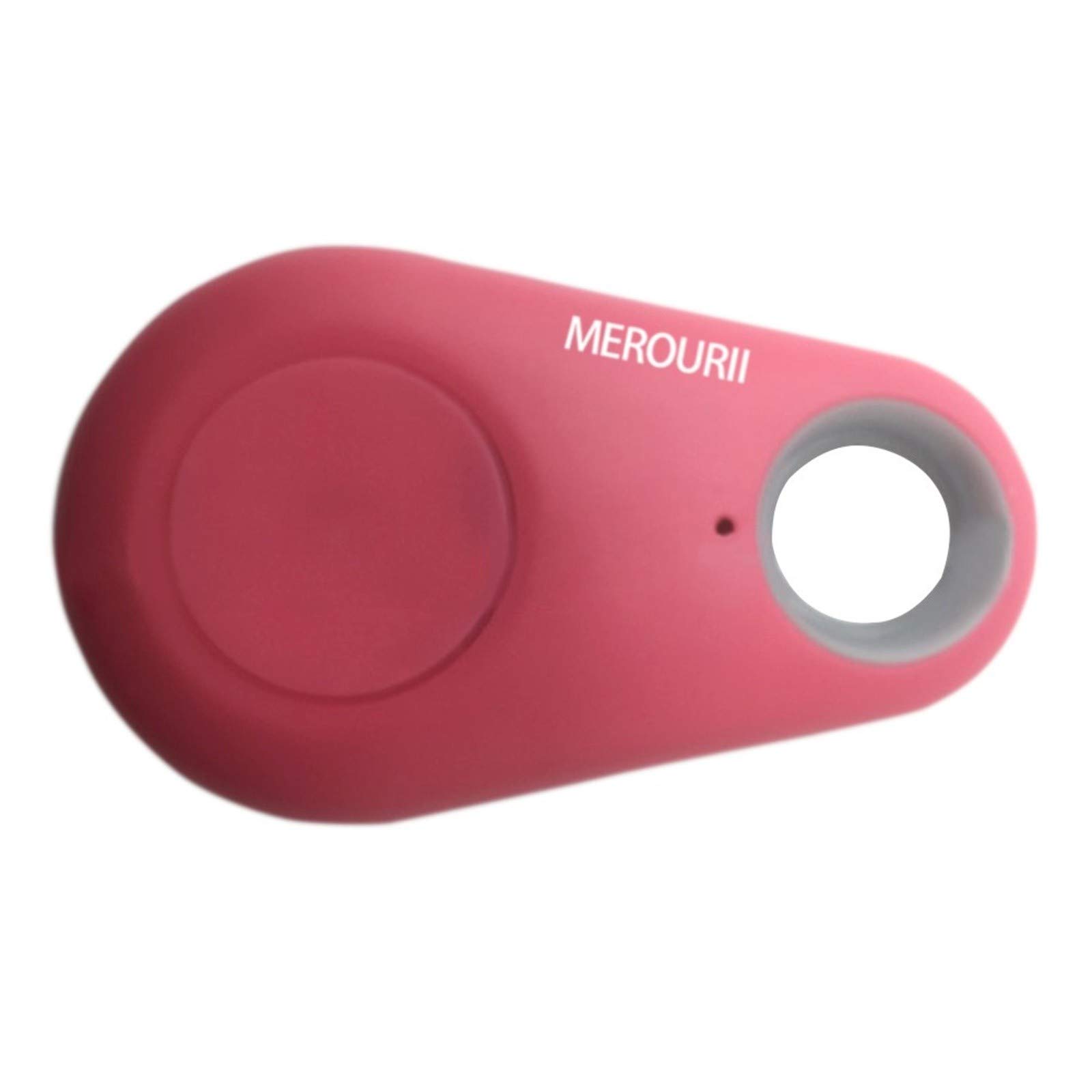
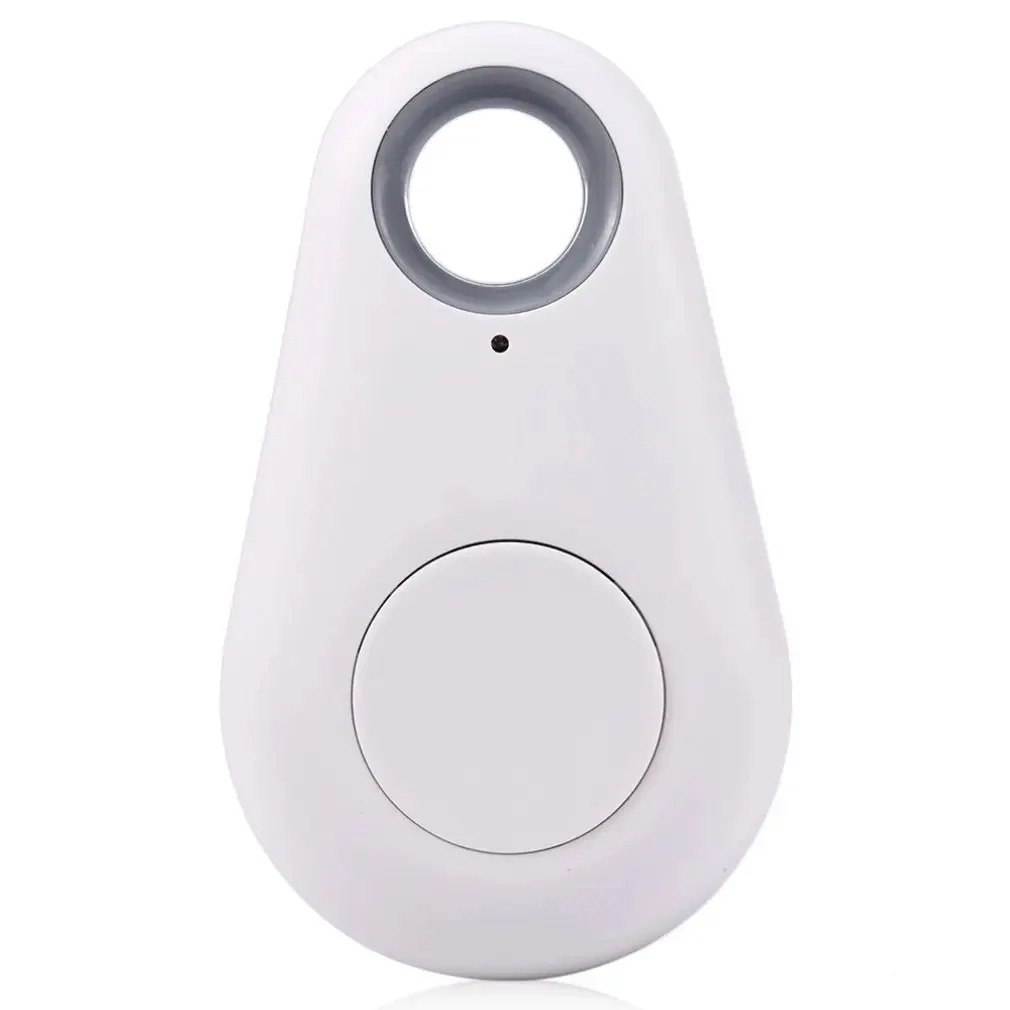
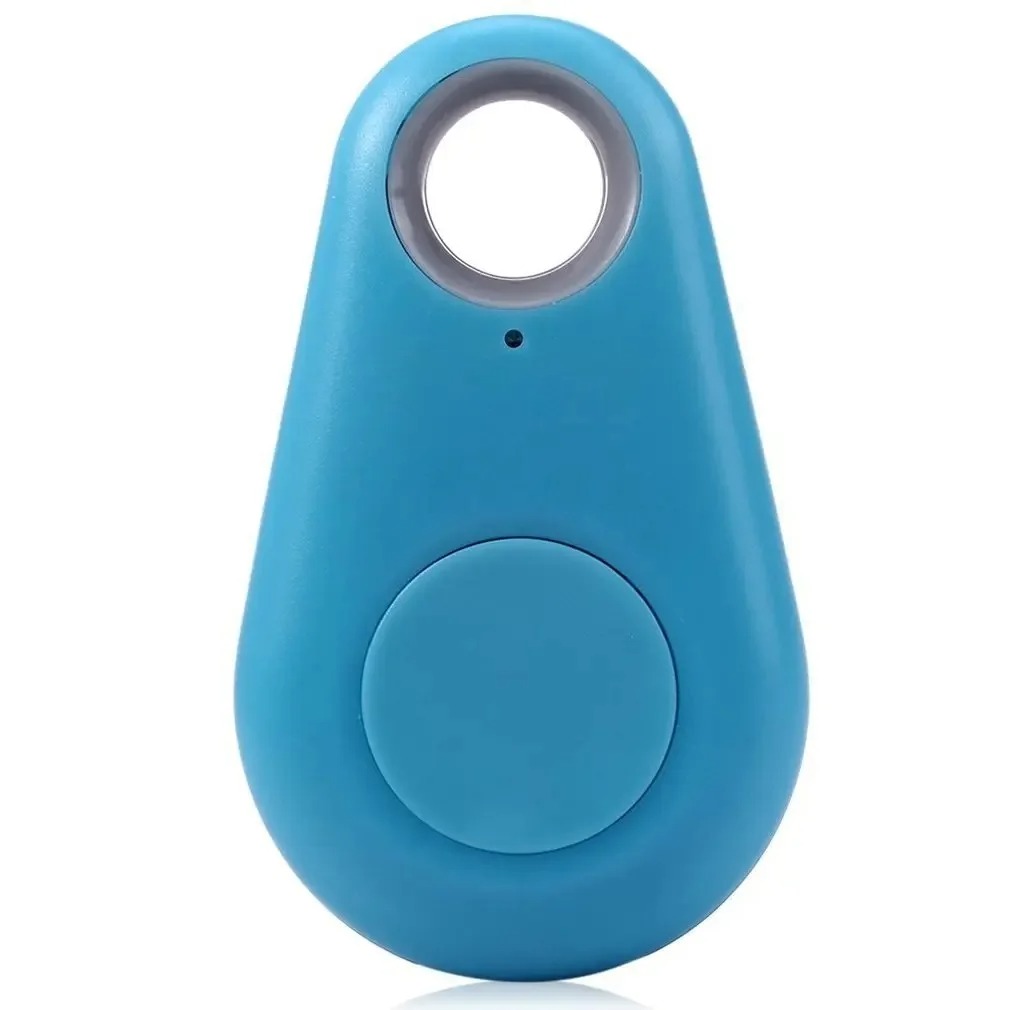
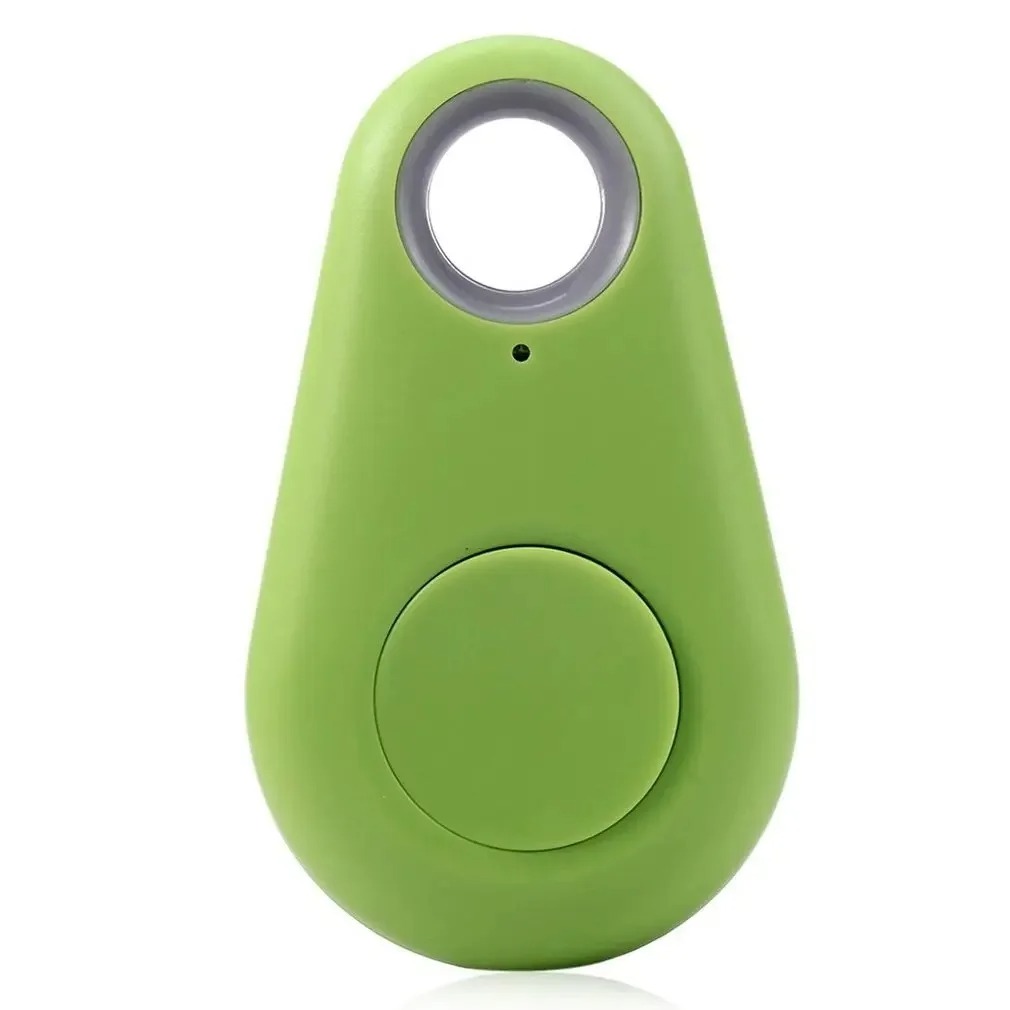
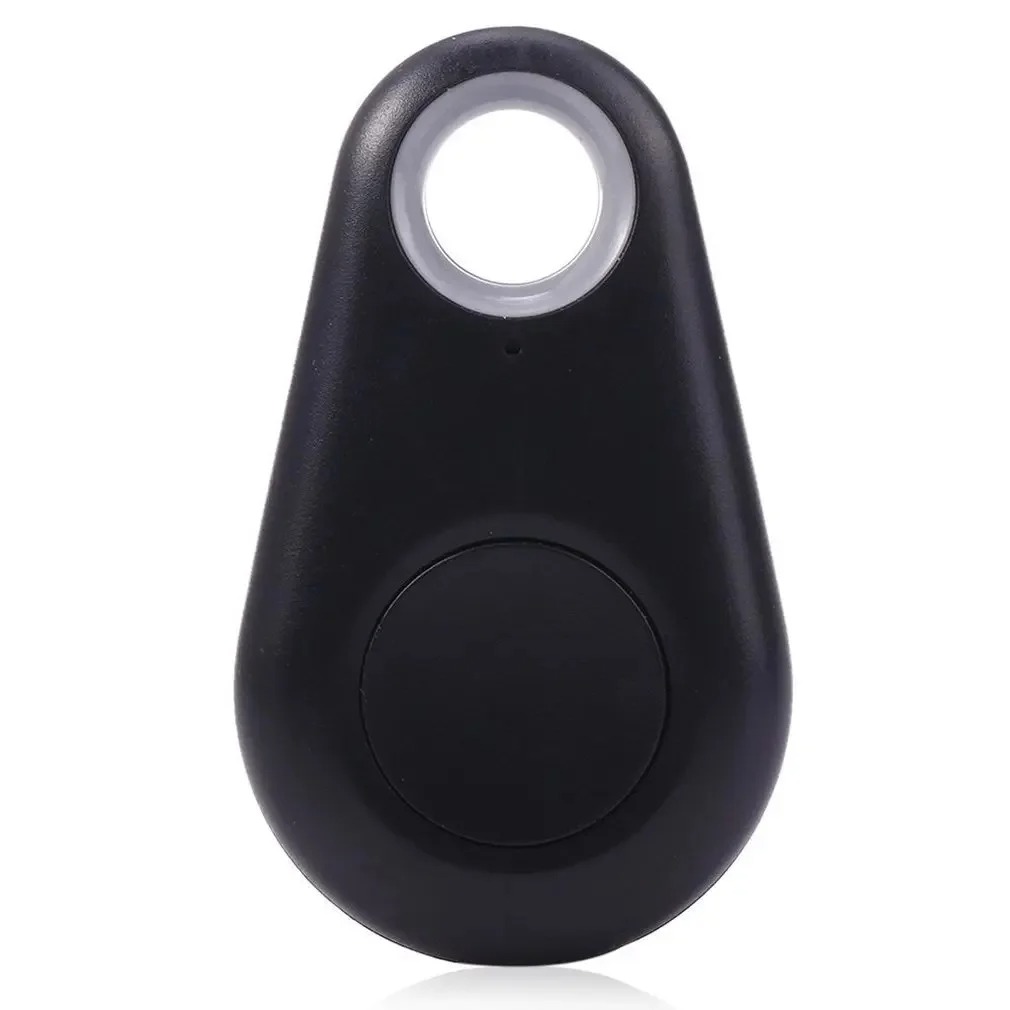
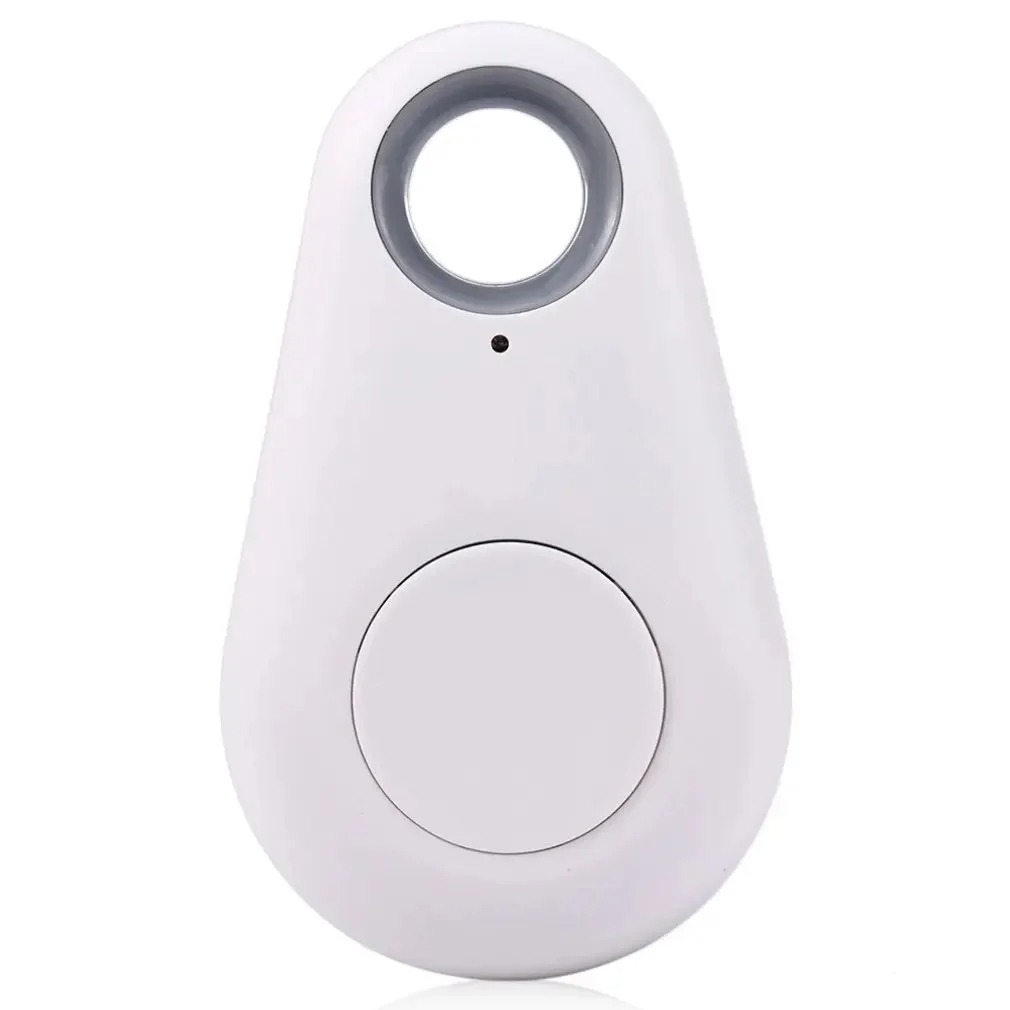
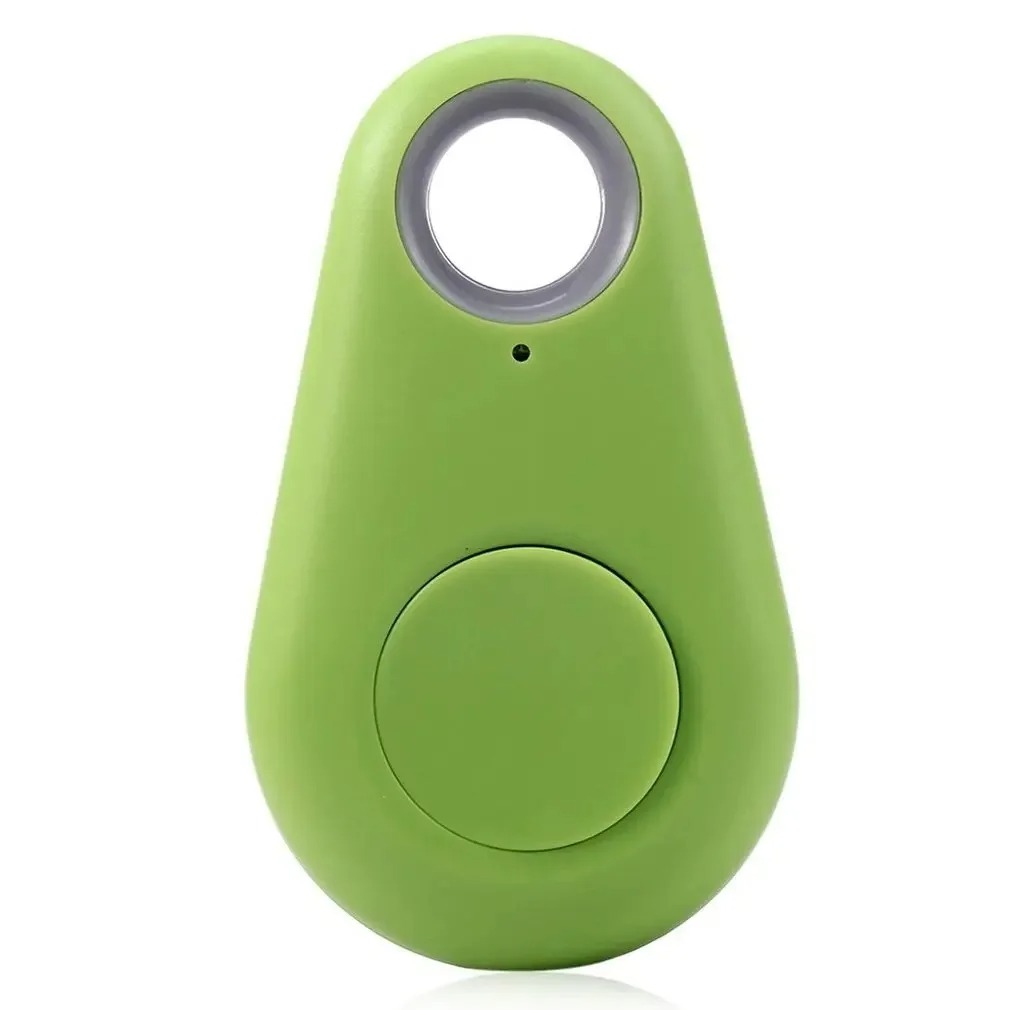
Keep track of your valuables with this compact and reliable Mini GPS Bluetooth Tracker. Designed with portability and durability in mind, this device helps you easily locate lost items such as keys, wallets, bags, or even pets. The waterproof design ensures protection against splashes and light rain, making it perfect for everyday use. Simply connect it to your smartphone via Bluetooth and track your items in real-time through a dedicated mobile app.
Specifications
Product Type: Bluetooth GPS Tracker
Color: Red
Connectivity: Bluetooth (Low Energy)
Range: Up to 10–30 meters (depending on environment)
Waterproof: Yes (splash-resistant)
Battery Type: Replaceable coin cell (e.g., CR2032)
Compatibility: Android & iOS devices
Material: Durable ABS plastic
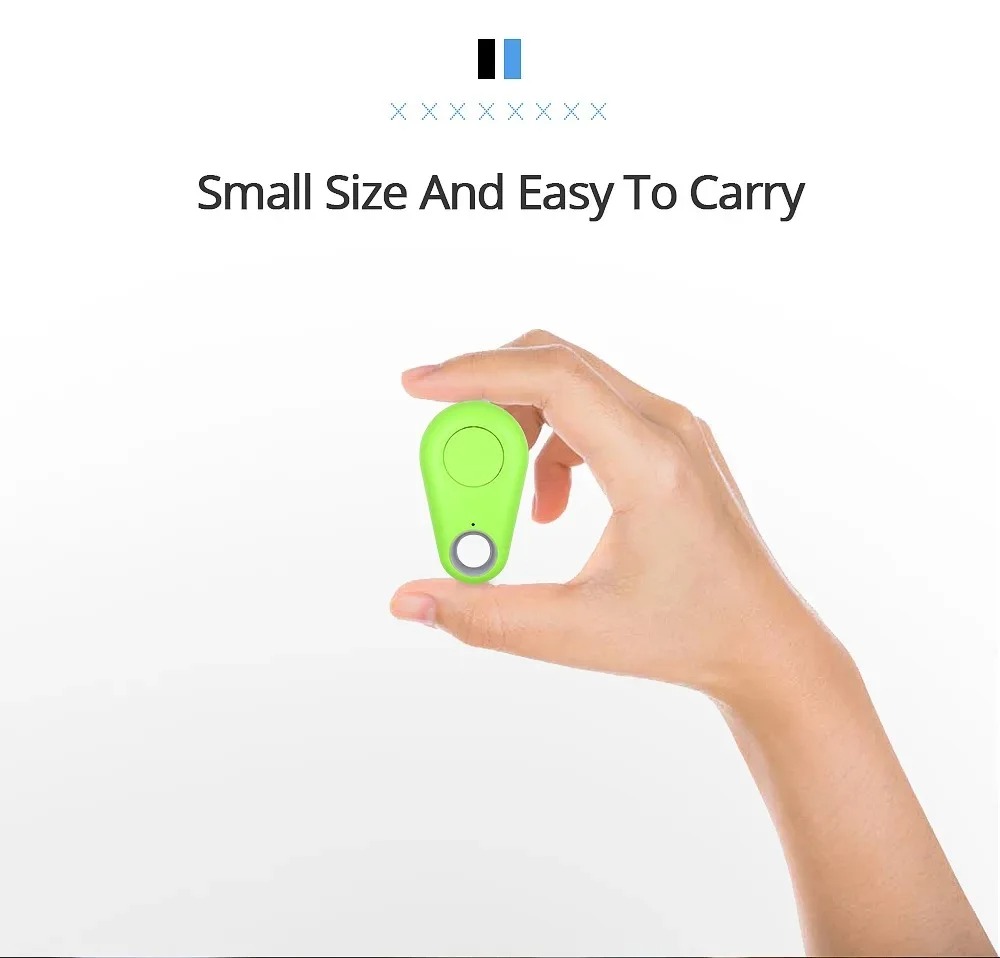
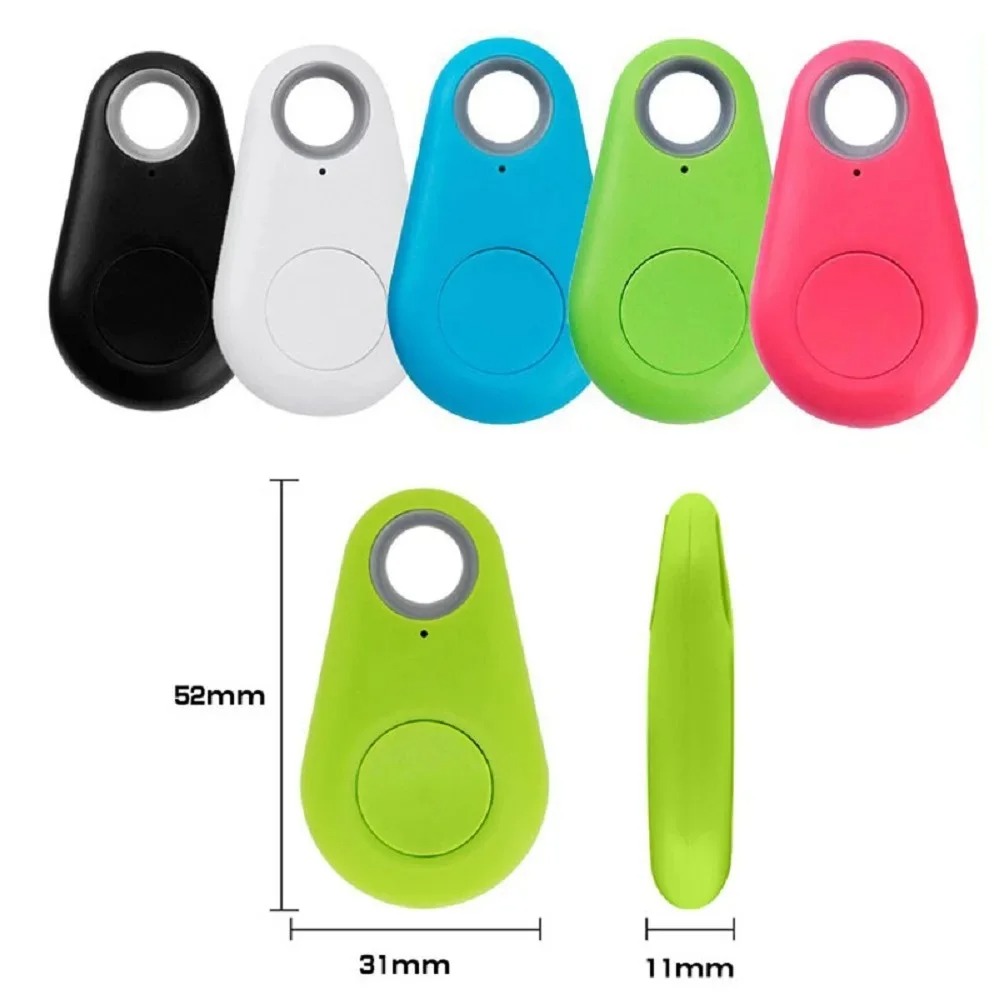
Size: Compact & lightweight design
Features
Real-time tracking via smartphone app
Compact and portable for easy attachment
Waterproof design for everyday protection
Anti-lost alarm alerts when out of range
One-tap location finder through mobile app
Can be attached to keys, bags, pets, or luggage
Long battery life with low power consumption
Stylish red color for easy visibility
Pin Connections Table 1
Board Sensor Pin Connection GPS section VCC/GND/TX/RX 3.3-5V / GND / board RX pin / board TX pin
Mini GPS Waterproof Bluetooth Tracker - Red - Arduino Uno
Mini GPS Waterproof Bluetooth Tracker - Red - Arduino Nano
Mini GPS Waterproof Bluetooth Tracker - Red - Arduino Mega
Mini GPS Waterproof Bluetooth Tracker - Red - ESP32
Mini GPS Waterproof Bluetooth Tracker - Red - ESP8266
Mini GPS Waterproof Bluetooth Tracker - Red - STM32
Mini GPS Waterproof Bluetooth Tracker - Red - Raspberry Pi Pico
1 //ekostra.com
2 //electronics store in egypt
3 //+201008896258
4
5 // RX=2 , TX=3 on Arduino Uno
6 #include <SoftwareSerial.h>
7 SoftwareSerial LINK_SERIAL(2 , 3 );
8
9 #include <TinyGPS++.h>
10
11 TinyGPSPlus gps;
12
13 void setup () {
14 Serial.begin (115200 );
15 LINK_SERIAL.begin(9600 );
16 }
17
18 void loop () {
19 while (LINK_SERIAL.available()) {
20 gps.encode(LINK_SERIAL.read());
21 }
22 if (gps.location.isUpdated()) {
23 Serial.print ("Lat: "); Serial.print (gps.location.lat(), 6 );
24 Serial.print (" Lng: "); Serial.println (gps.location.lng(), 6 );
25 }
26 }
1 //ekostra.com
2 //electronics store in egypt
3 //+201008896258
4
5 // RX=2 , TX=3 on Arduino Nano
6 #include <SoftwareSerial.h>
7 SoftwareSerial LINK_SERIAL(2 , 3 );
8
9 #include <TinyGPS++.h>
10
11 TinyGPSPlus gps;
12
13 void setup () {
14 Serial.begin (115200 );
15 LINK_SERIAL.begin(9600 );
16 }
17
18 void loop () {
19 while (LINK_SERIAL.available()) {
20 gps.encode(LINK_SERIAL.read());
21 }
22 if (gps.location.isUpdated()) {
23 Serial.print ("Lat: "); Serial.print (gps.location.lat(), 6 );
24 Serial.print (" Lng: "); Serial.println (gps.location.lng(), 6 );
25 }
26 }
1 //ekostra.com
2 //electronics store in egypt
3 //+201008896258
4
5 // RX=19 , TX=18 on Arduino Mega
6 #define LINK_SERIAL Serial1
7
8 #include <TinyGPS++.h>
9
10 TinyGPSPlus gps;
11
12 void setup () {
13 Serial.begin (115200 );
14 LINK_SERIAL.begin(9600 );
15 }
16
17 void loop () {
18 while (LINK_SERIAL.available()) {
19 gps.encode(LINK_SERIAL.read());
20 }
21 if (gps.location.isUpdated()) {
22 Serial.print ("Lat: "); Serial.print (gps.location.lat(), 6 );
23 Serial.print (" Lng: "); Serial.println (gps.location.lng(), 6 );
24 }
25 }
1 //ekostra.com
2 //electronics store in egypt
3 //+201008896258
4
5 // RX=16 , TX=17 on ESP32
6 #define LINK_SERIAL Serial1
7
8 #include <TinyGPS++.h>
9
10 TinyGPSPlus gps;
11
12 void setup () {
13 Serial.begin (115200 );
14 LINK_SERIAL.begin(9600 );
15 }
16
17 void loop () {
18 while (LINK_SERIAL.available()) {
19 gps.encode(LINK_SERIAL.read());
20 }
21 if (gps.location.isUpdated()) {
22 Serial.print ("Lat: "); Serial.print (gps.location.lat(), 6 );
23 Serial.print (" Lng: "); Serial.println (gps.location.lng(), 6 );
24 }
25 }
1 //ekostra.com
2 //electronics store in egypt
3 //+201008896258
4
5 // RX=D7, TX=D8 on ESP8266
6 #include <SoftwareSerial.h>
7 SoftwareSerial LINK_SERIAL(D7, D8);
8
9 #include <TinyGPS++.h>
10
11 TinyGPSPlus gps;
12
13 void setup () {
14 Serial.begin (115200 );
15 LINK_SERIAL.begin(9600 );
16 }
17
18 void loop () {
19 while (LINK_SERIAL.available()) {
20 gps.encode(LINK_SERIAL.read());
21 }
22 if (gps.location.isUpdated()) {
23 Serial.print ("Lat: "); Serial.print (gps.location.lat(), 6 );
24 Serial.print (" Lng: "); Serial.println (gps.location.lng(), 6 );
25 }
26 }
1 //ekostra.com
2 //electronics store in egypt
3 //+201008896258
4
5 // RX=PA10, TX=PA9 on STM32
6 #define LINK_SERIAL Serial1
7
8 #include <TinyGPS++.h>
9
10 TinyGPSPlus gps;
11
12 void setup () {
13 Serial.begin (115200 );
14 LINK_SERIAL.begin(9600 );
15 }
16
17 void loop () {
18 while (LINK_SERIAL.available()) {
19 gps.encode(LINK_SERIAL.read());
20 }
21 if (gps.location.isUpdated()) {
22 Serial.print ("Lat: "); Serial.print (gps.location.lat(), 6 );
23 Serial.print (" Lng: "); Serial.println (gps.location.lng(), 6 );
24 }
25 }
1 //ekostra.com
2 //electronics store in egypt
3 //+201008896258
4
5 // RX=1 , TX=0 on Raspberry Pi Pico
6 #define LINK_SERIAL Serial1
7
8 #include <TinyGPS++.h>
9
10 TinyGPSPlus gps;
11
12 void setup () {
13 Serial.begin (115200 );
14 LINK_SERIAL.begin(9600 );
15 }
16
17 void loop () {
18 while (LINK_SERIAL.available()) {
19 gps.encode(LINK_SERIAL.read());
20 }
21 if (gps.location.isUpdated()) {
22 Serial.print ("Lat: "); Serial.print (gps.location.lat(), 6 );
23 Serial.print (" Lng: "); Serial.println (gps.location.lng(), 6 );
24 }
25 }
Project Notes: Combo GPS + Bluetooth tracker board - the GPS half is read exactly like a standalone NEO-6M/M8N over UART NMEA.





 Specification


